Almost every app you sign up for wants the same thing: your data on their servers. Your files, your history, your account details, all of it living somewhere you cannot see, cannot fully control, and cannot easily take back. Most of the time you click accept and never think about it again.
Then something changes. The price doubles. A favorite feature moves behind a higher tier. The company gets acquired, or quietly shuts down, and suddenly the information you spent years building is stuck somewhere you can no longer reach. That is the moment people realize they never actually owned their own data.
What owning your data actually means
Owning your data means it lives somewhere you control, in a format you can open, export, and keep, no matter what happens to the app that helped you create it. When your information sits in your own Google Drive or Google Sheets, you can open it directly. You can download it. You can share it, move it, or walk away entirely, and it is still yours.
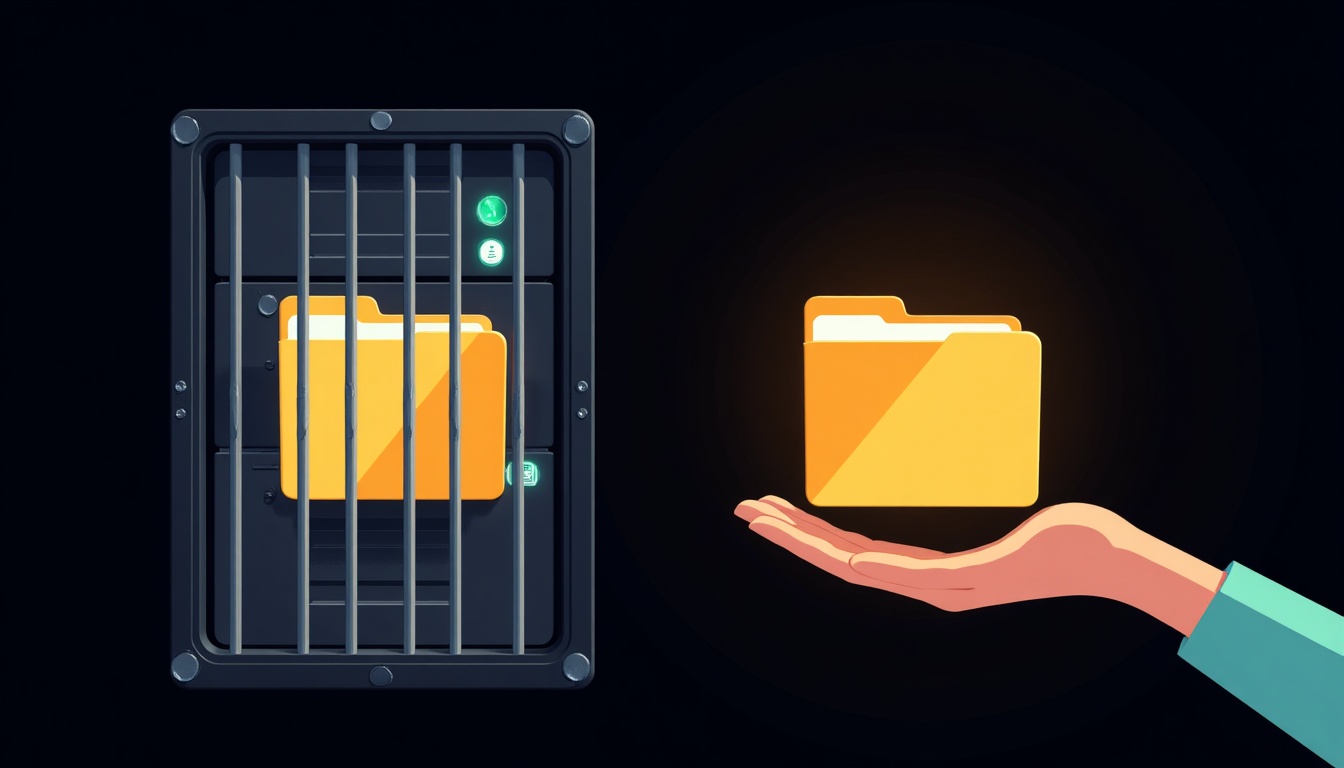
Compare that to the typical setup, where your data lives inside a company's private database. You can see it only through their app, on their terms, for as long as you keep paying. The difference sounds small until the day you need your records and the door is locked.
The hidden risks of storing your data on someone else's server
Handing your data to a vendor is convenient, and for plenty of tools it is perfectly fine. But it comes with risks that rarely show up until it is too late.
- Lock in. The longer your data lives inside one app, the harder it becomes to leave, even when a better or cheaper option comes along.
- Price increases. Once your records are trapped inside a tool, a price hike is not really optional. You either pay or you lose access.
- Shutdowns. Companies close, get acquired, or sunset products all the time. When they do, your data can quietly go with them.
- Privacy. Data on someone else's server is only as private as that company decides to make it, and those decisions can change without you.
Why we build tools that store data in your own Google account
This is the whole reason TheCubbyStop tools work the way they do. Instead of keeping your information on our servers, our tools store it in your own Google Drive and Google Sheets. CEU Tracker Pro is a good example. Your continuing education log and every certificate you upload live in your Google account, not ours.
That means there is no account to create with us, nothing for us to hold hostage, and no way for a billing lapse to lock you out of your own records. If you ever stopped using the tool entirely, your data would still be sitting right where it always was, fully yours.
Before you commit to any tool that stores important records, find the export button first. If you cannot easily get your data out, think twice before putting it in.
How to tell if an app respects your data
You do not need to read a privacy policy cover to cover to spot a tool that treats your data well. A few quick questions usually tell you everything.
- Where is my data actually stored, and can I see it directly?
- Can I export everything in a normal format whenever I want?
- What happens to my data if I cancel, or if the company disappears?
- Am I renting access to my own information, or do I truly own it?
The bottom line
Convenience is nice, but not at the cost of losing access to your own information. The safest tools are the ones that never take custody of your data in the first place. Keep your records in your own Google account, make sure you can always export them, and you never have to worry about a price hike or a shutdown taking your work with it.
Own your data from day one
CEU Tracker Pro keeps every hour and certificate in your own Google account, so your records are always yours.
Explore CEU TrackerFrequently asked questions
Is my data safe in my own Google account?
Yes. Google's infrastructure is built for exactly this kind of secure storage, and keeping your records in your own Drive means you control who has access. You are relying on the same system you already trust for your email and files.
What happens to my data if a tool shuts down?
If the tool stored your data in your own Google account, nothing changes. Your files stay right where they are, and you keep full access even if the app that created them goes away.
Can I move my data to another tool later?
Because the data lives in a standard Google Sheet or Drive folder, it is easy to open, export, and take elsewhere. You are never stuck reformatting information trapped inside a closed system.
Do TheCubbyStop tools store data on your servers?
No. TheCubbyStop tools store your information in your own Google Drive and Sheets. There is nothing for us to hold, and no account with us that could ever lock you out of your records.
Is storing data in Google Drive private?
Yes. Files in your Drive are visible only to you and anyone you deliberately choose to share them with. Your records are not pooled into a company database that others could access.